How to Email Yourself New RSS Items in Make (Free Plan)
This is how we built a scenario that watches an RSS feed and emails us when something new appears, on Make’s free plan, and the settings that matter before you switch it on. The two problems we ran into are written in where they happen. This guide has one affiliate link, at the first step, and it is marked. We tested the build in August and re-tested the parts that failed on October 11, 2026.
What you’ll need
- A Google account with Gmail (we used a free @gmail.com account) and the feed URL you want to watch.
- Make’s free plan: 1,000 credits a month, 2 active scenarios, and a 15-minute minimum schedule.
Step 1: Create a free Make account
Create a free Make account (affiliate link). The free plan needed no credit card when we signed up. Onboarding asked what we wanted to automate, which apps we use and the workspace size; none of it changes what you can build.
Step 2: Add the RSS trigger
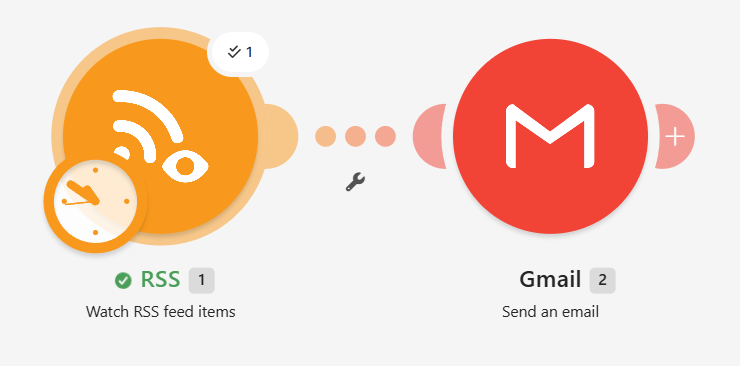
- Create a new scenario and add the RSS app, module Watch RSS feed items.
- Paste the feed URL.
- Look at Choose where to start. The options are “Select the first RSS feed item”, “RSS feed items from after a specific date”, “All RSS feed items” and “From now on”. The default is From now on, which only passes on items published after you set it up.
For your first test, pick Select the first RSS feed item. With the default and no new item, a test run finishes green and sends nothing, which looks like a bug and isn’t.
Step 3: Add the Gmail module and connect Google
- Add the Gmail app, module Send an email, and connect it to the RSS module.
- Click Add next to Connection and sign in to Google.
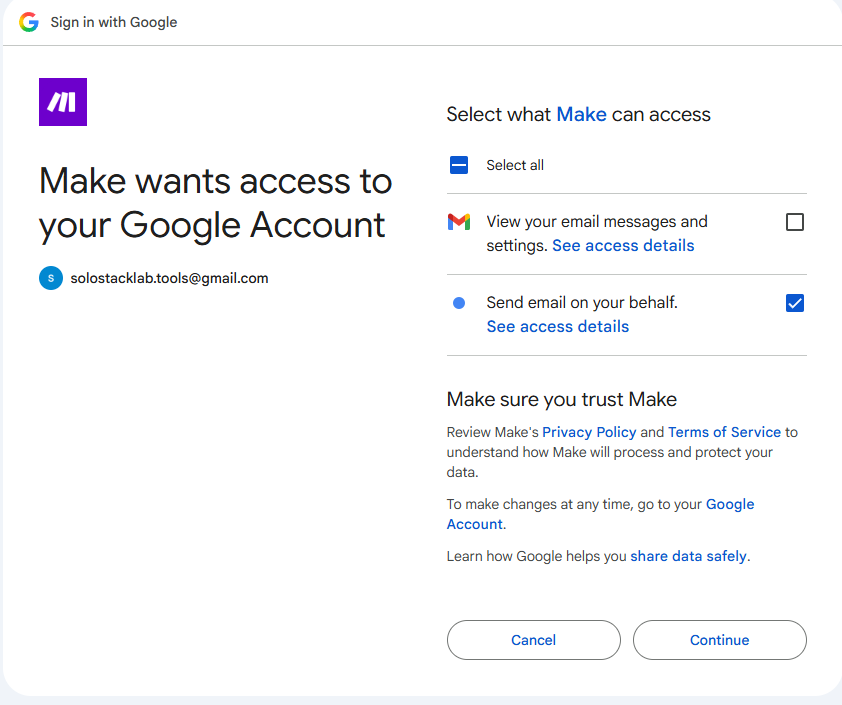
- Tick both Gmail permissions on Google’s consent screen. In our test we ticked only “send email on your behalf” and
the module failed with
[403] Request had insufficient authentication scopes.Adding the missing permission afterwards did not fix it. What did is in our Make Gmail 403 guide.
Step 4: Fill in the email
Set the recipient, a subject and the body. The RSS module’s outputs, such as the item’s title and link, appear in Make’s mapping panel when you click a field; we didn’t record the exact field names, so look at what your feed offers.
A trap we hit in August: saving the Gmail module repeatedly failed with “Body type: Value must not be empty” even though “Raw HTML” was visibly selected. Re-opening the dropdown and selecting the same value again fixed it. It happened on two attempts, and we haven’t checked whether it still does.
Step 5: Change the schedule before you switch it on
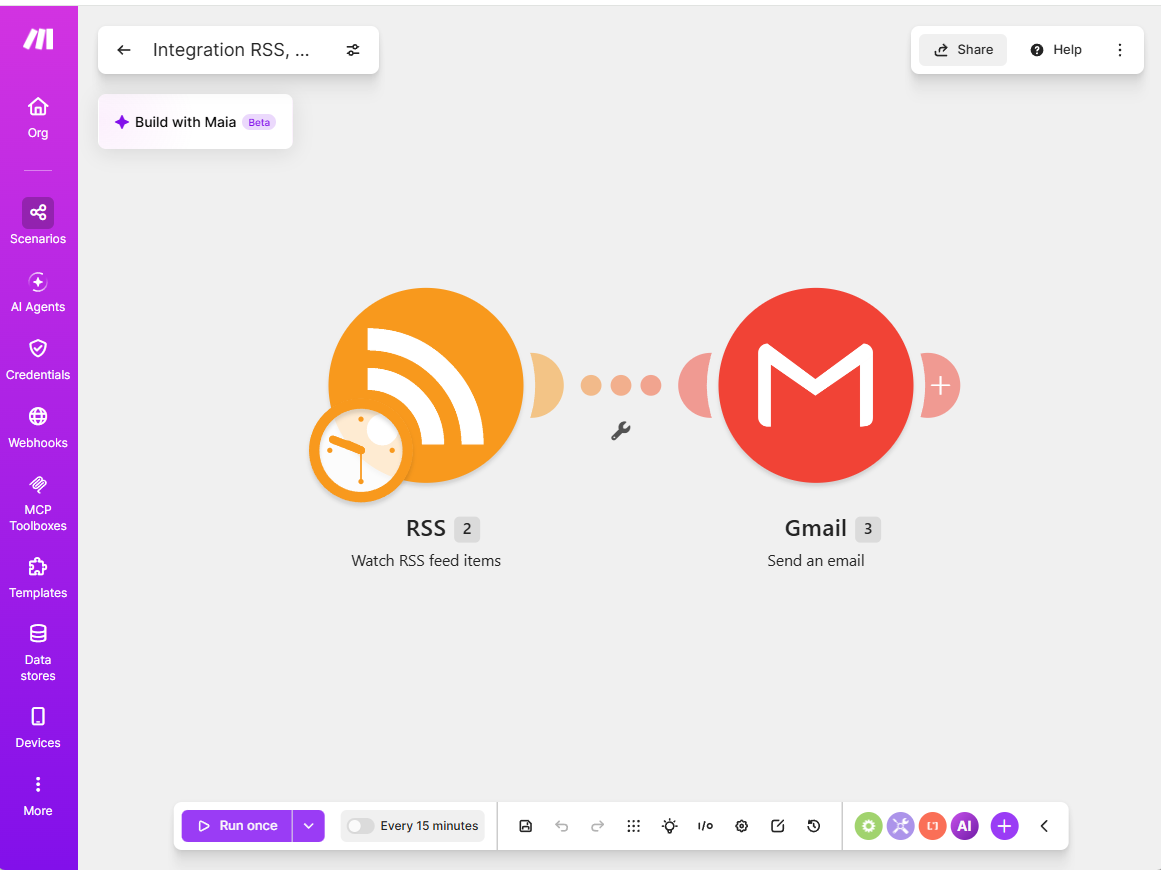
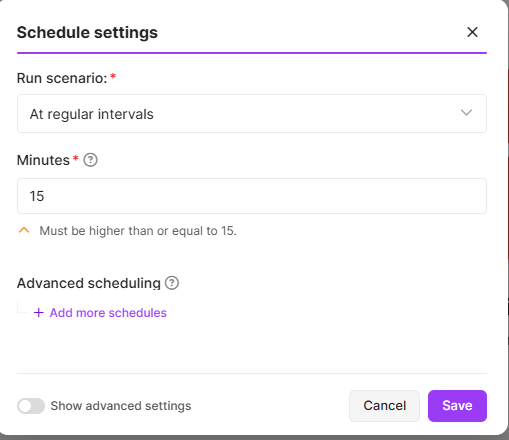
New scenarios in our account were set to Every 15 minutes, the shortest the free plan allows. The field is in minutes. Every check costs one credit even when the feed has nothing new, so 15 minutes is about 2,880 credits a month for the trigger alone, nearly three times the free allowance. Type 360 for every 6 hours: about 120 credits a month, plus one credit for each email sent. Details and a table are in how Make and n8n count an empty poll.
Step 6: Run it once, then read the result
Use Run once. If everything is right, both modules finish without a red error and the email arrives. In Make’s history, a run that reaches Gmail cost 2 credits for us, one for the RSS module and one for Gmail.
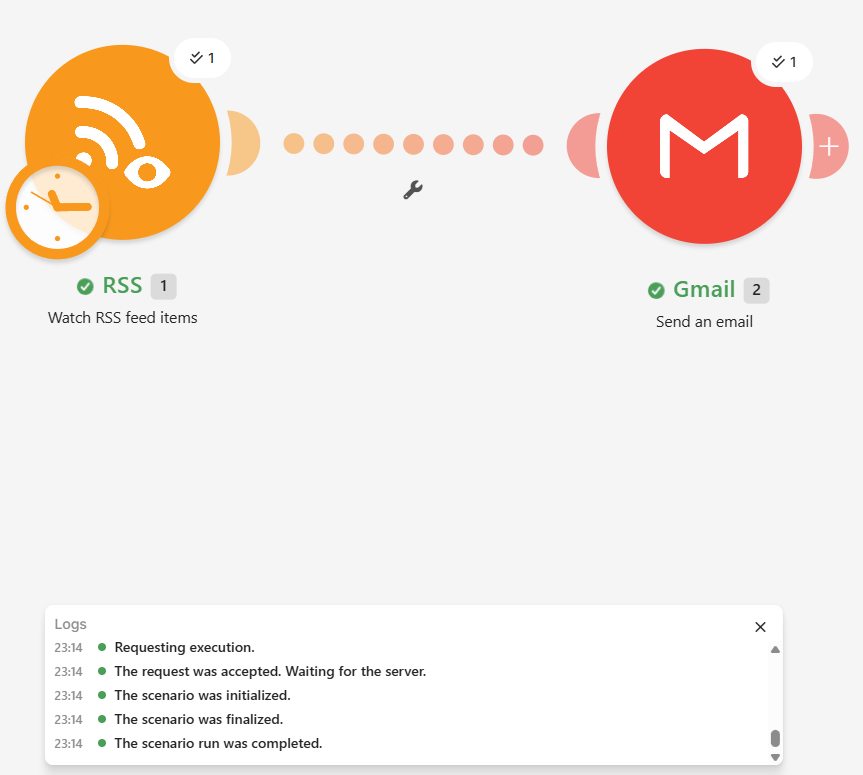
If the run is green but no email arrives, check Step 2 first. If the Gmail module is red, check Step 3.
What we didn’t test
We never left the scenario switched on, so we can’t tell you how it behaves over days or what happens to items already sent once you change the start point. We also haven’t tried Google Workspace accounts, your own Google Cloud project, or paid plans. A scenario’s monthly cost here is arithmetic from the credit costs we measured. For the free plan’s other limits and how far 1,000 credits goes, see what Make’s free plan actually gets you, and for our full hands-on write-up, the Make review.
Tools mentioned in this guide
| Tool | Best for | Starting price | Free trial |
|---|---|---|---|
| Make (formerly Integromat) | non-technical automation, connecting CMS/publishing to AI APIs | $9/mo (Core, shown on the pricing page for 10,000 credits a month; we did not check whether that is the monthly or the annual price) | Free plan with no expiry, no credit card required at signup (confirmed firsthand Aug 2026). Re-checked on Make's official pricing page and help center Oct 12 2026: 1,000 credits a month (the unit formerly called operations), at most 2 active scenarios, shortest schedule 15 minutes, 5-minute maximum run, 7-day execution log, 512 MB data transfer, 5 MB maximum file. Our dashboard on Oct 12: 990/1,000 credits left, 0/2 active scenarios. A trigger check costs 1 credit even when nothing is new (measured in our run history Oct 11 2026). |