Make Gmail 403 Insufficient Authentication Scopes: The Fix
If the Gmail module in your Make scenario fails with [403] Request had insufficient authentication scopes., this page
shows what caused it in our test, the one thing we tried that did not fix it, and the steps that did. We reproduced
it on October 11, 2026. We’re a Make affiliate; this page has no affiliate link.
Short answer
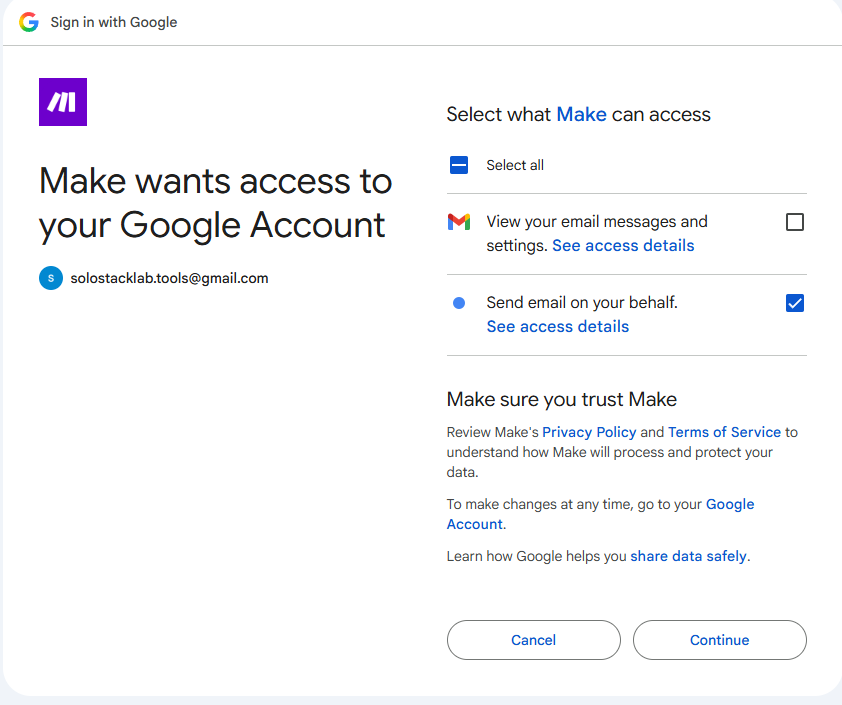
- The error means the Google connection Make is using lacks a permission the Gmail module needs. In our test we had granted only “send email on your behalf” and left “view your email messages and settings” unticked.
- Adding the missing permission afterwards did not fix it. Google listed both permissions on the account and the same 403 came back.
- What fixed it: remove Make’s access in your Google account, then create a fresh connection and tick both permissions on Google’s consent screen.
- If you get no error but no email either, it may be a different problem: the RSS trigger having nothing new to pass on (see the last section).
What we tested
- Make free plan, a free @gmail.com account.
- Scenario: RSS “Watch RSS feed items” followed by Gmail “Send an email” to ourselves.
- Gmail app version 4, which Make’s help pages list as the default.
- Not tested: Google Workspace accounts, your own Google Cloud project, and paid plans. If one of those is your setup, treat our steps as a lead, not a guarantee.
What the error looks like
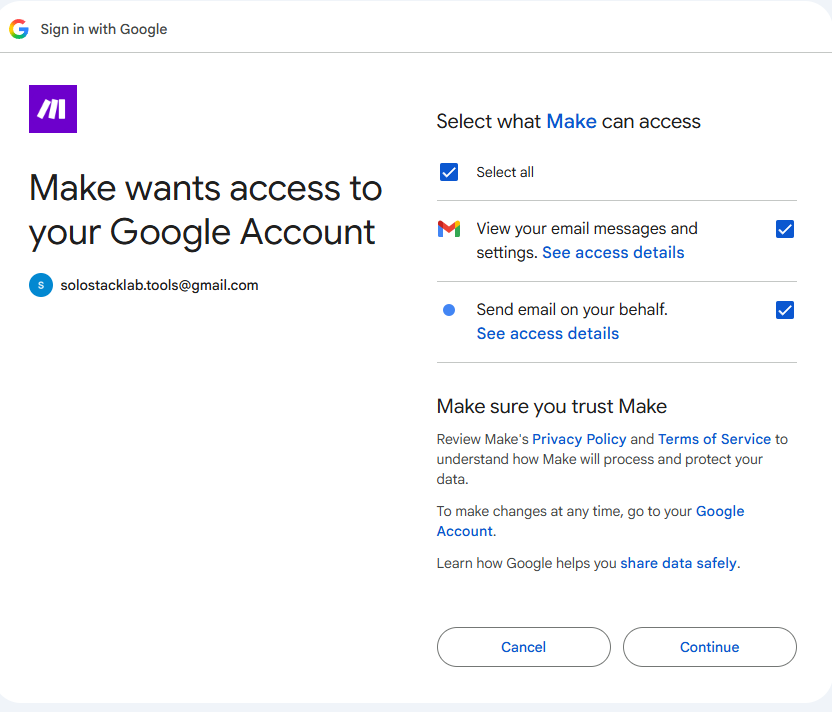
When the first Google consent screen is shown, Make asks for two Gmail permissions. We ticked only the first, the one for sending email on our behalf.
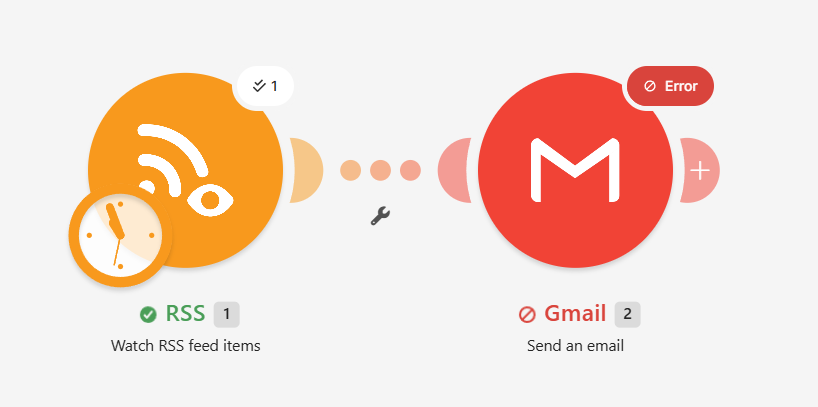
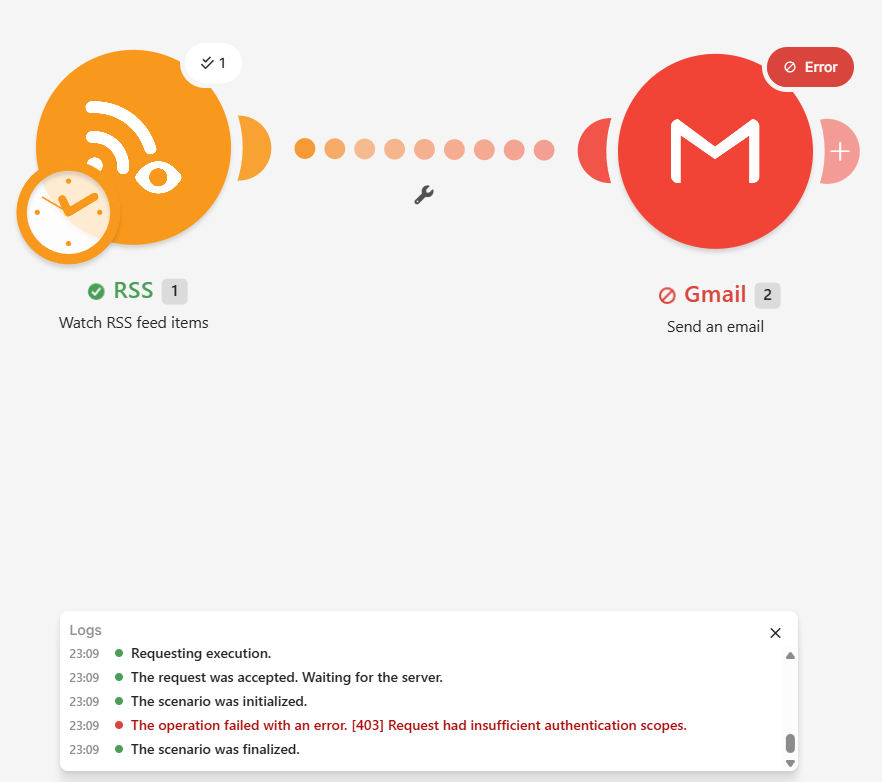
Running the scenario with “Run once” then showed a red error on the Gmail module:
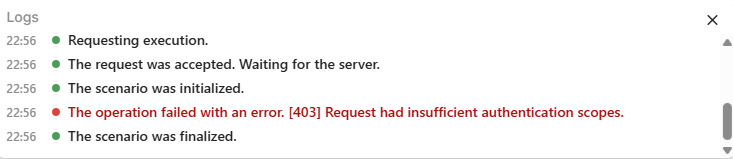
[403] Request had insufficient authentication scopes.
![The Gmail module in Make showing the error: [403] Request had insufficient authentication scopes](/images/guides/make-gmail-403/02-run-result.png)
In the scenario view the RSS module had a green check and the Gmail module a red “Error”, and the run log recorded the 403. So when the run reaches the Gmail module, the error is visible; you don’t have to hunt for it.
What did not fix it: adding the missing permission
The obvious move is to add the permission you skipped. We clicked “Add” next to the connection in the Gmail module and went through Google’s screen again. It asked only for the one missing permission, “view your email messages and settings”, with no checkboxes. We allowed it, selected the new connection and ran the scenario again.
Google’s account page now showed both permissions as granted.
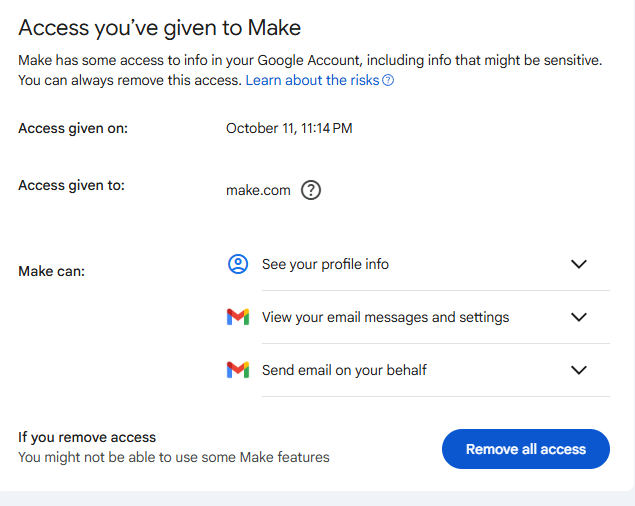
The same 403 came back.
What fixed it: remove Make’s access, then reconnect
- In your Google account, open Third-party apps and services (myaccount.google.com/connections).
- Select Make and remove all of its access.
- Back in Make, open the Gmail module and click Add next to Connection.
- On Google’s consent screen, tick both permissions this time.
- Select the new connection in the Gmail module, save, and run the scenario again.
After removing the access, Google showed the full screen with both checkboxes again.
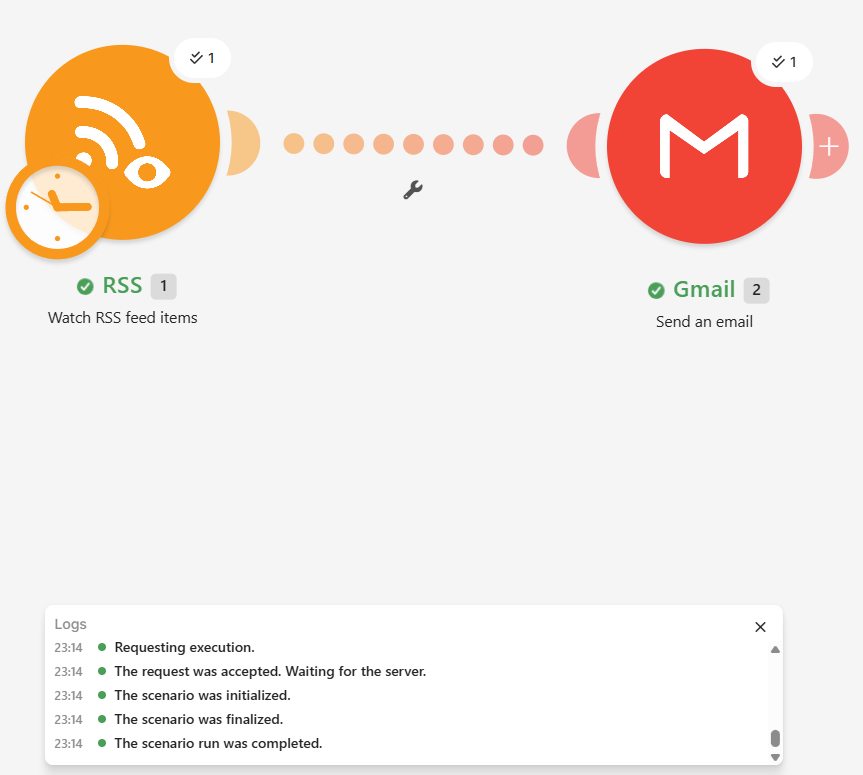
The Gmail module then finished without an error, and the email arrived in the inbox.
One trap: “Add” does not delete your old connections. After you add a new one, make sure the Gmail module’s Connection field actually shows the new one. If it still points at the old connection, you’ll get the same error.
We only know that this worked in our setup. Not every 403 will have this cause.
No error, but no email
A scenario can finish all green and still send nothing. In our test that happened when the RSS module’s “Choose where to start” setting was on its default, “From now on”. That option only passes on items published after you set it up. With no new item, the RSS module finishes, the Gmail module never runs, and the log has no error.
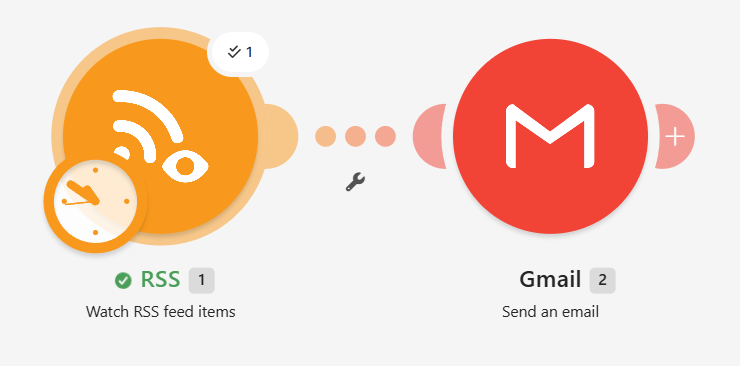
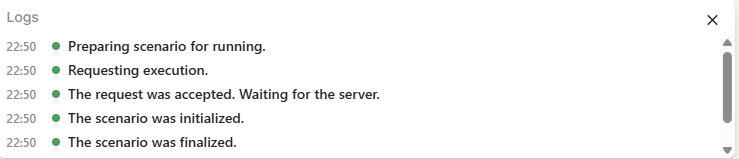
To check, right-click the RSS module, open “Choose where to start”, pick “Select the first RSS feed item” and use “Run once”. If the Gmail module now runs, the earlier run simply had nothing to send. The other options in that list are “RSS feed items from after a specific date”, “All RSS feed items” and “From now on”.
Even an empty check costs a credit; see how Make and n8n count an empty poll.
A heads-up about reconnecting
The new connection showed a notice to reauthorize it by a later date.
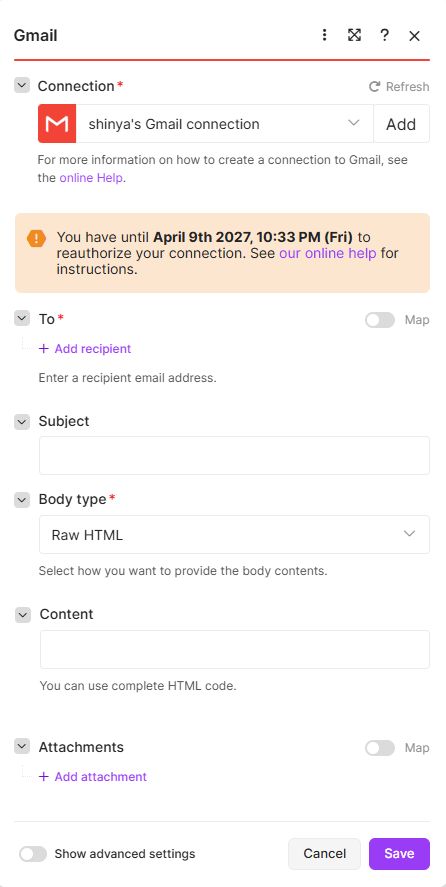
Make’s help says Google limits how long personal @gmail.com connections for apps like Make stay valid, to about six months. It also describes a shorter limit if you use your own unpublished Google Cloud project. We didn’t test that second case.
Our earlier version of this was wrong
In August we wrote that this kind of scope error fails silently in Make’s run log. Re-testing on October 11 did not support that: the error is visible when the Gmail module runs, and the silent case was the RSS trigger with nothing new. The dated correction is in our Make review.
Tools mentioned in this guide
| Tool | Best for | Starting price | Free trial |
|---|---|---|---|
| Make (formerly Integromat) | non-technical automation, connecting CMS/publishing to AI APIs | $9/mo (Core, shown on the pricing page for 10,000 credits a month; we did not check whether that is the monthly or the annual price) | Free plan with no expiry, no credit card required at signup (confirmed firsthand Aug 2026). Re-checked on Make's official pricing page and help center Oct 12 2026: 1,000 credits a month (the unit formerly called operations), at most 2 active scenarios, shortest schedule 15 minutes, 5-minute maximum run, 7-day execution log, 512 MB data transfer, 5 MB maximum file. Our dashboard on Oct 12: 990/1,000 credits left, 0/2 active scenarios. A trigger check costs 1 credit even when nothing is new (measured in our run history Oct 11 2026). |