Carrd Review (2026): Free, Until You Need a Form
This site had a real, unmet need: a standalone landing page for the beehiiv newsletter we set up last month, since the main site has no dedicated capture page. That’s the task we tested Carrd against - not a synthetic “build a personal profile” exercise.
You can start building before you have an account
Clicking “Choose a Starting Point” on Carrd’s homepage drops you straight into the actual site editor - no email, no password, nothing. The editor even ships with an annotated tutorial overlay pointing at every toolbar icon.
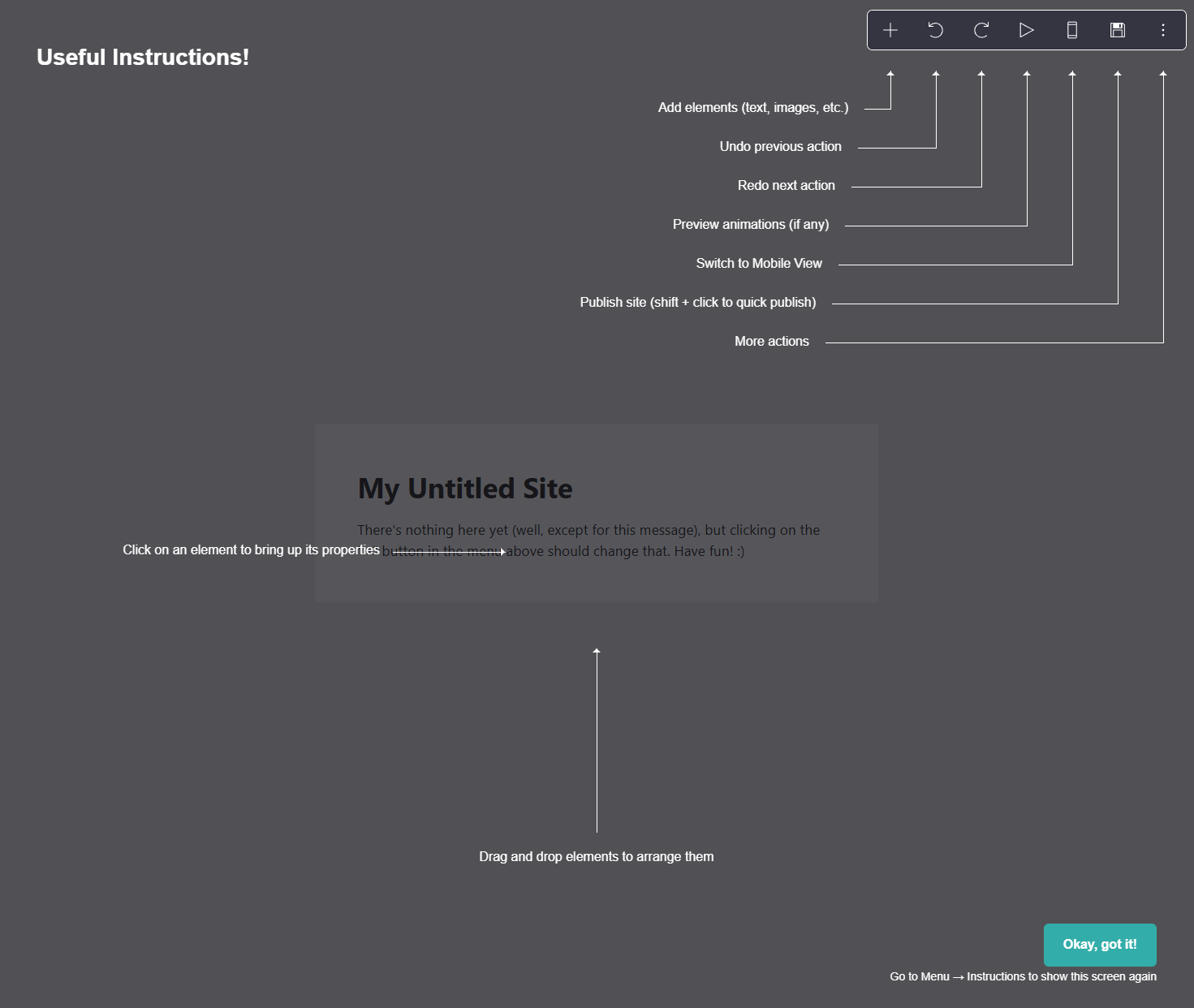
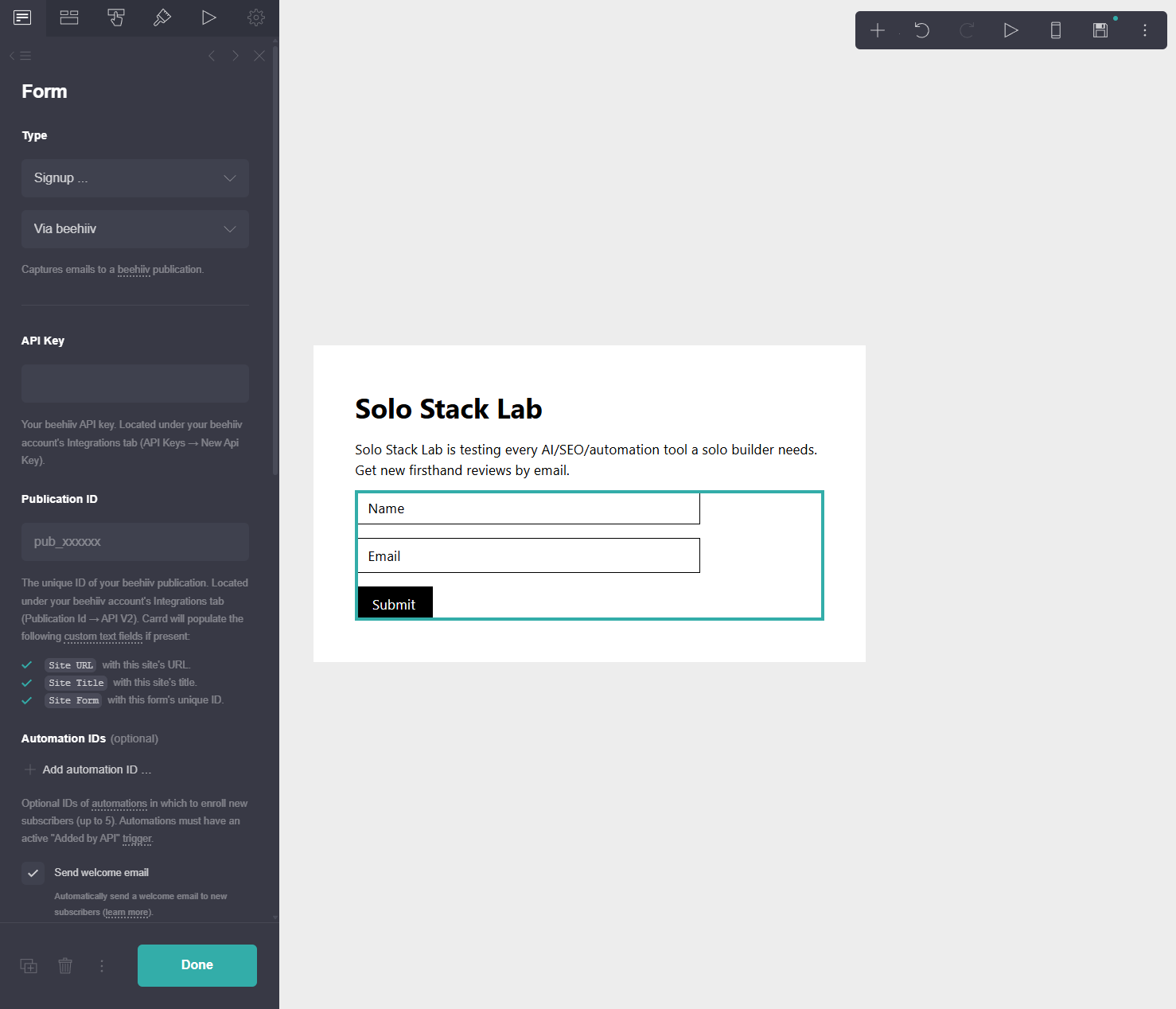
We picked a blank page and replaced the placeholder heading and text with real copy: “Solo Stack Lab” and a one-line pitch for the newsletter, plus a Name/Email form underneath.
The free plan locks exactly the feature a landing page needs
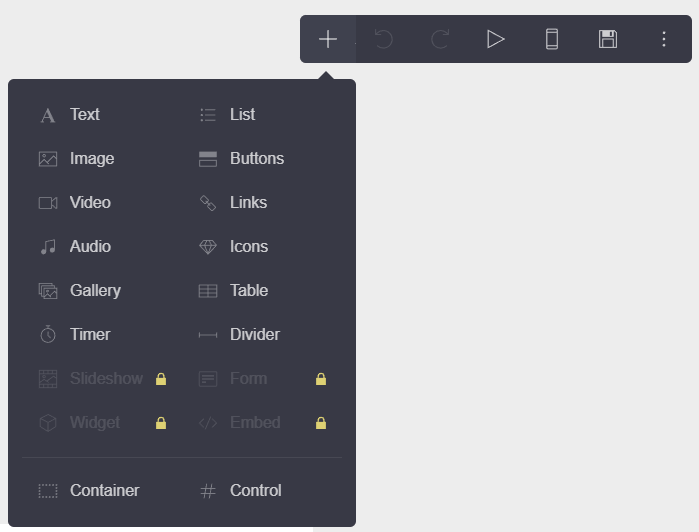
Opening the “+” add-element menu shows Form, Widget, Embed, and Slideshow all grayed out with a padlock icon - confirmed against Carrd’s own pricing page, which lists Forms and Widgets/Embeds as Pro-exclusive. For a tool whose entire pitch is landing pages (“a landing page to capture emails,” per its own homepage copy), the actual email-capture mechanism isn’t in the free tier.
The Pro trial is genuinely no-card - but it doesn’t include everything it advertises
Clicking the locked Form option surfaces a “Try Pro!” upsell: 7 days free, explicitly “no credit card required,” listing Custom Domains, Forms, Widgets, Video Uploads, Slideshows, No Branding, and more as included.
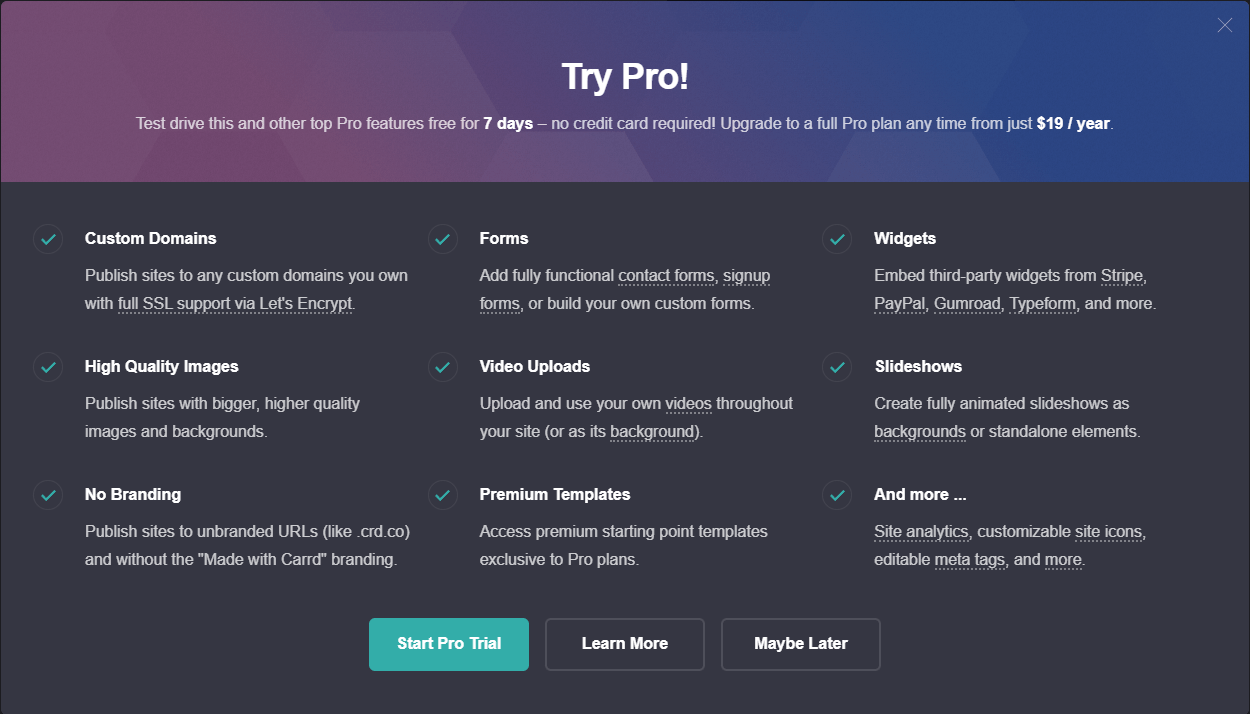
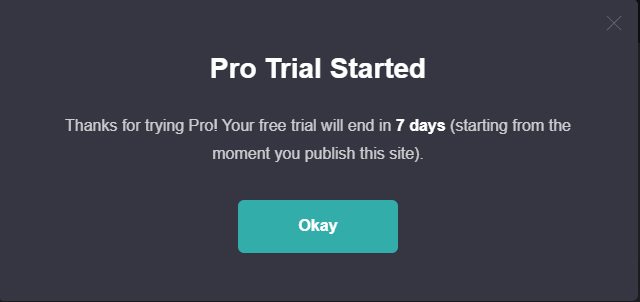
We started the trial - no payment details asked for anywhere, matching the claim. One detail worth knowing: the 7-day countdown doesn’t start when you click “Start Pro Trial,” it starts when you publish the site.
Back in the editor, Form, Widget, and Slideshow unlocked as promised - but Embed stayed locked, clicking it prompted a separate “Available with Pro Standard” upgrade screen asking for $19/year, even though the trial modal had listed Widgets and Embeds as a matched pair.
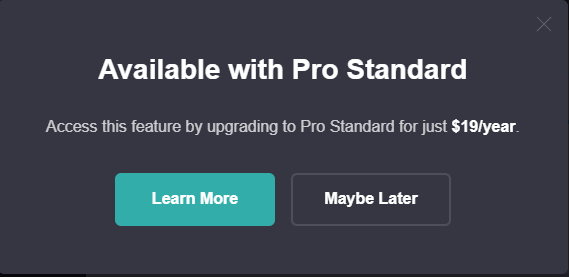
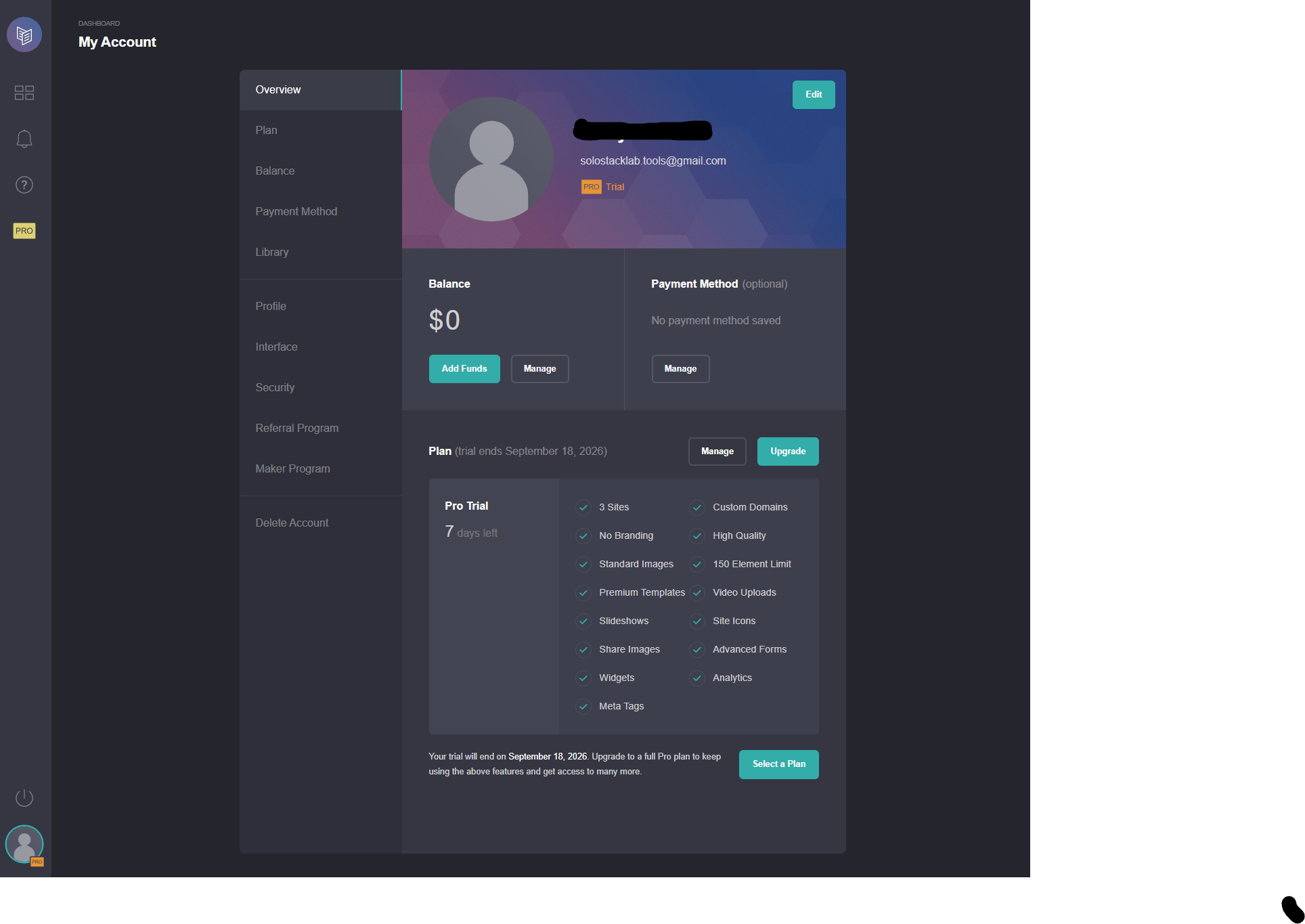
We confirmed this wasn’t a fluke by checking the account’s own Plan page later: the Pro Trial’s feature checklist lists “Widgets” as included but has no line for Embeds at all - a real gap between what the upsell modal advertises and what the trial account actually grants.
Wiring up beehiiv: further than expected, then a real wall
With Forms unlocked, changing the form’s Type from “Contact” to “Signup” surfaces a dropdown of native integrations - ActiveCampaign, beehiiv, Brevo, Buttondown, ConvertKit (Kit), Ghost, HubSpot, Mailchimp, and more, no custom code required. Selecting “Via beehiiv” asks for an API Key and Publication ID, both pulled from beehiiv’s own Integrations settings, not an OAuth popup.
The Publication ID was one click away in beehiiv’s dashboard. Generating an API key was not: beehiiv now requires Stripe Identity Verification - a government-ID check - before it will issue one.
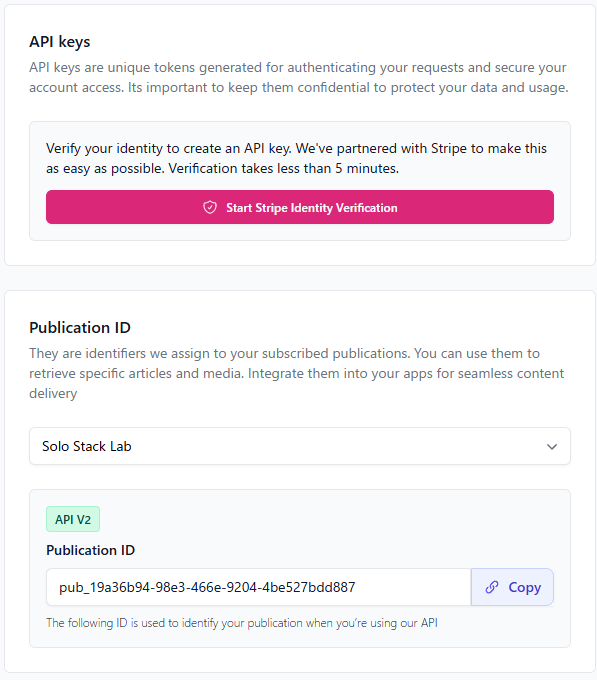
We decided not to complete an ID-verification flow just to finish testing a landing page builder - that’s a real cost most solo builders wouldn’t expect to pay for what looked like a simple email-form embed, and it’s worth knowing before you plan on this integration path. If you already have a beehiiv API key from other work, this connects Carrd to it directly; if you don’t, budget for that verification step first.
Publishing: the account gets created at the very end, and errors are honest
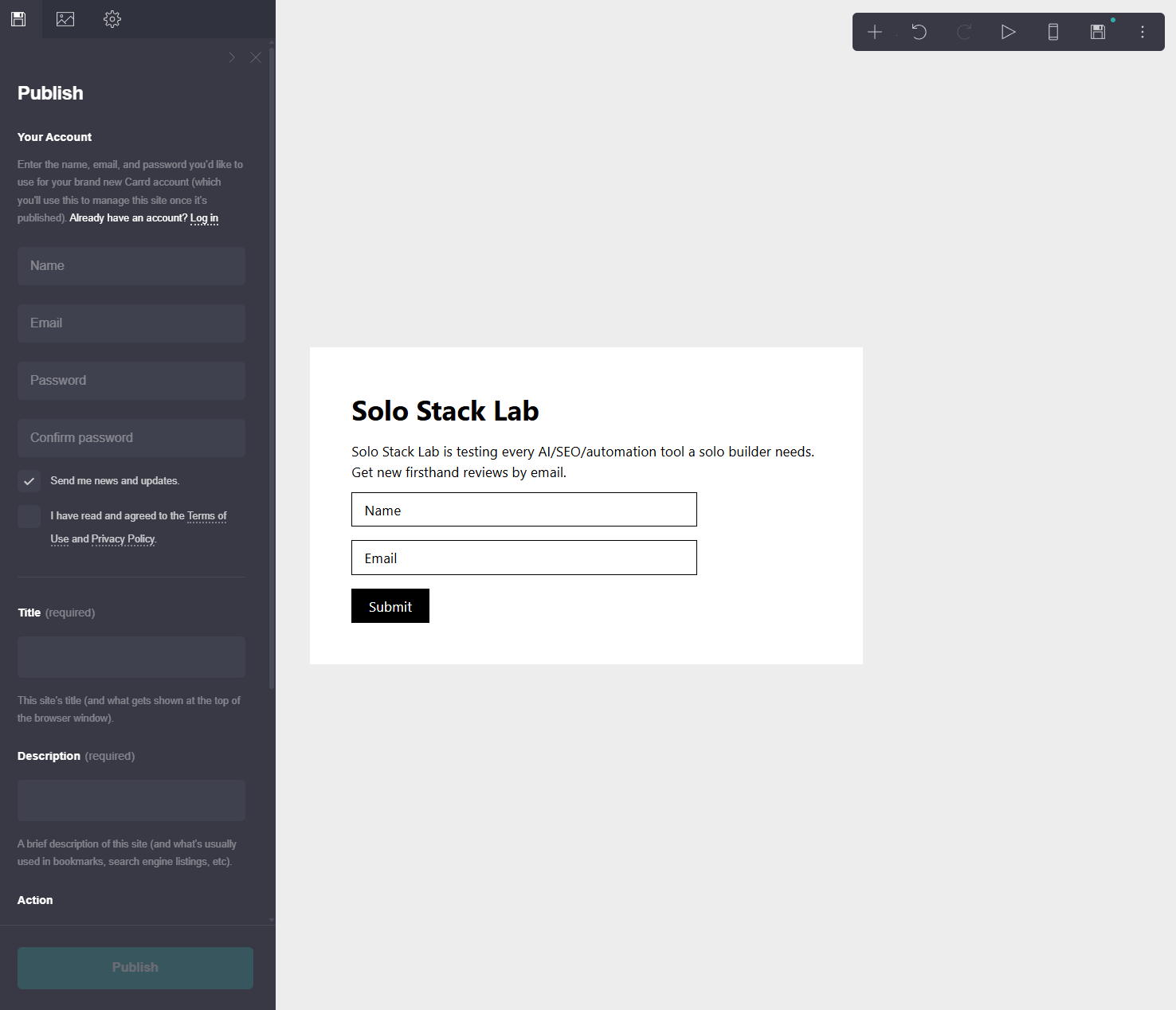
Carrd doesn’t ask for an account until you click Publish - the sidebar that appears asks for your name,
email, and password for “your brand new Carrd account” at that point, along with the site’s title,
description, and its .carrd.co subdomain.
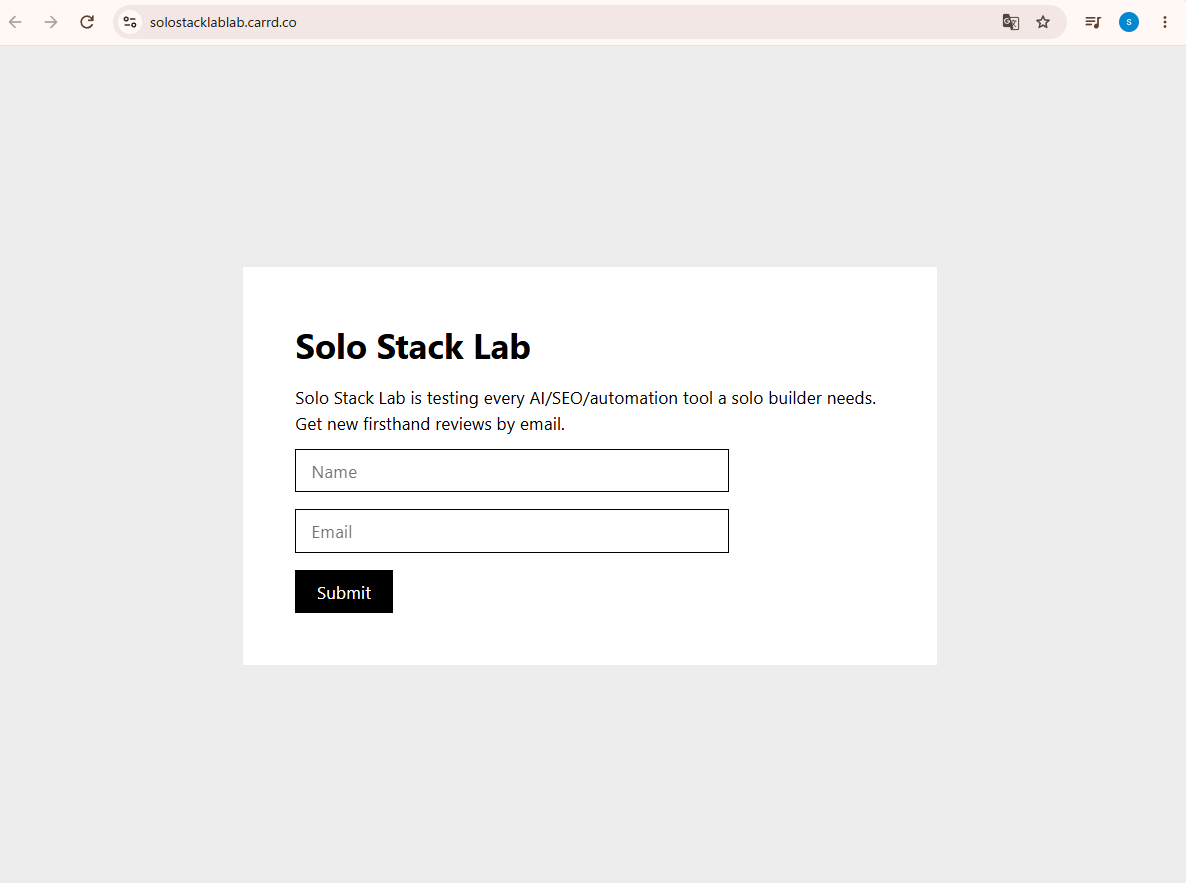
After email verification (a 6-digit code, not just a click-through link), the site went live at
solostacklablab.carrd.co with no “Made with Carrd” footer branding - the Pro trial’s branding removal
worked exactly as advertised.
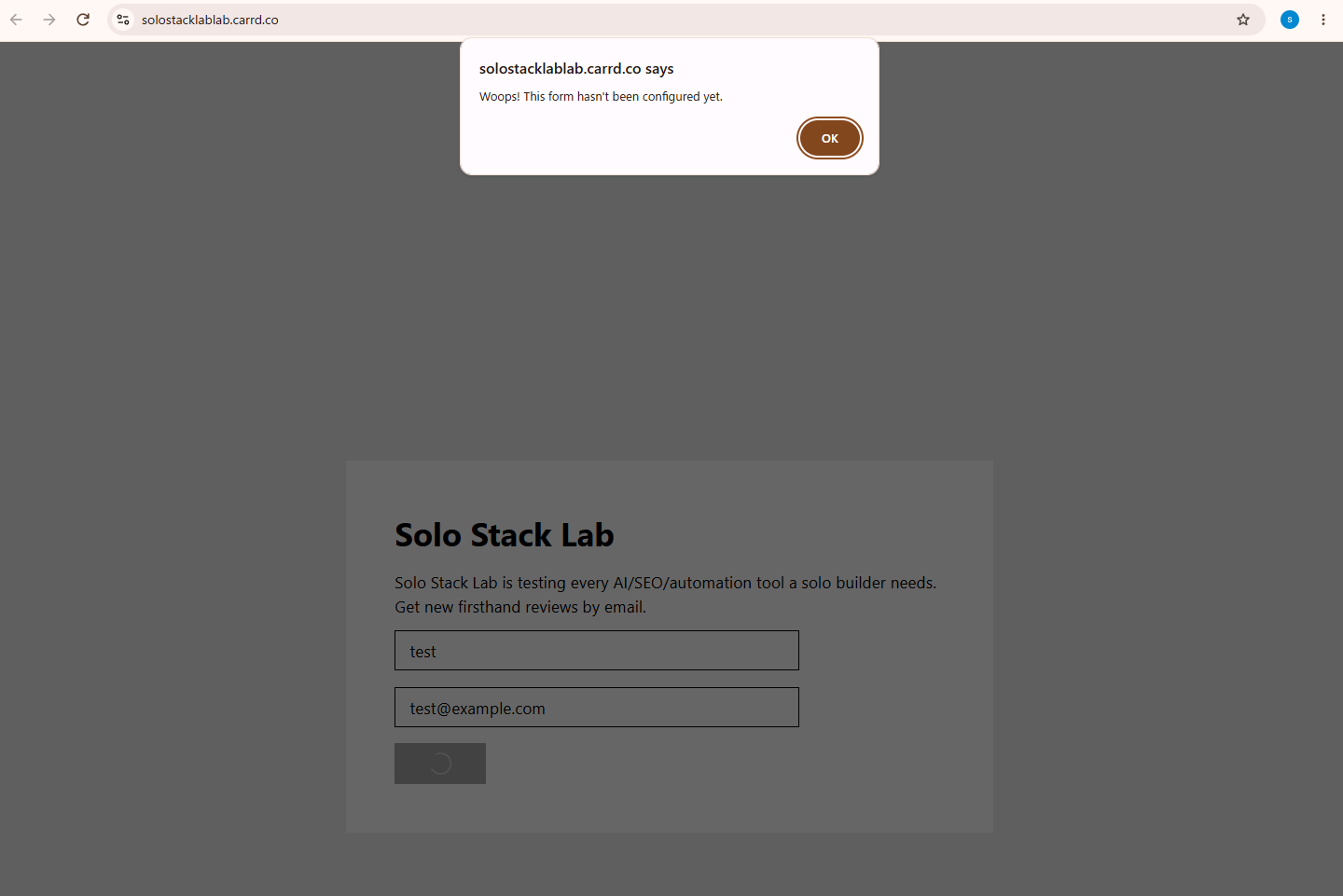
Since the beehiiv form was never given a valid API key, we tested what happens on submit: a plain, honest browser alert - “Woops! This form hasn’t been configured yet.” - not a silent failure or a fake success message.
The referral program is real and pays on renewals, not just first purchase
Carrd’s own Referral Program (opt-in, found under Account settings) pays 30% of what a referred user pays toward their next Pro upgrade or renewal - not a one-time cut, and it applies to both new and existing Carrd users who use your link or code. Earnings land in your Carrd account balance, spendable on your own plan or payable out on request. No cookie duration is stated on the program page.
Bottom line
Carrd delivers on “free, no signup, no card” more literally than most tools in this category - you can build and publish a real site before creating an account at all. But the free tier’s core promise, “a landing page to capture emails,” needs a Pro trial to even attempt, and that trial’s own advertised feature set doesn’t fully match what the account actually grants (Embeds, specifically). Layer beehiiv’s new identity-verification requirement on top, and what looked like a 10-minute test task turned into several real walls - each one clearly disclosed by the tools involved, at least, rather than hidden.
This is an affiliate link — see our disclosure policy.